Graphiti
korovatron.co.uk/graphiti
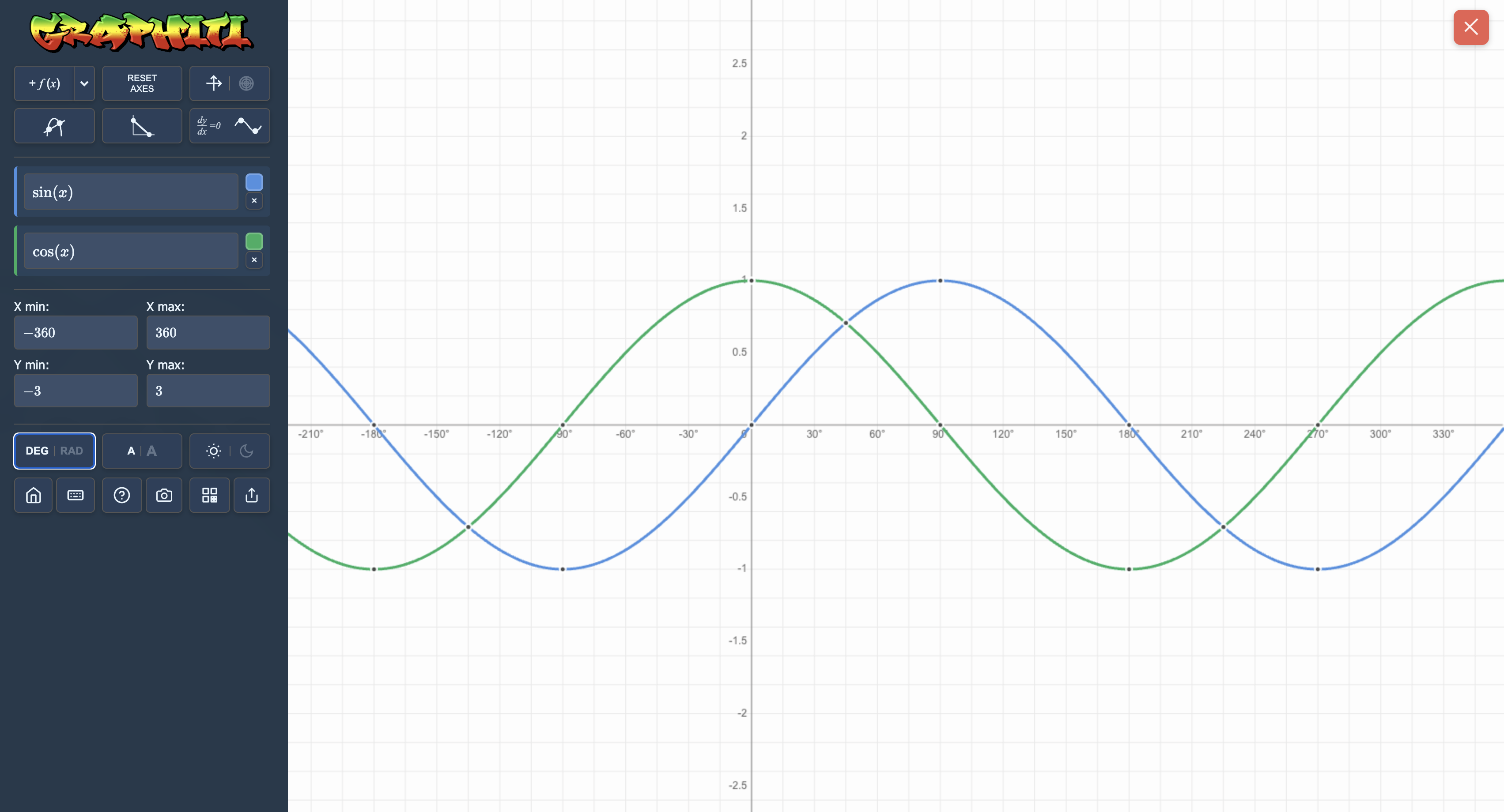
Graphiti is a streamlined, high-performance graphing calculator designed for rapid classroom demonstration and pupil exploration. It balances the power of advanced calculus tools with a clean, intuitive interface, making it an ideal choice for everything from initial function sketching at KS3 to complex trigonometric and hyperbolic analysis at A-Level.
How the tool works
The interface is built for speed and clarity, prioritising the relationship between algebraic input and visual output.
- Interactive Tracing: Clicking any plotted curve generates a trace marker. This marker can be dragged to show real-time coordinates or clicked to cycle through dynamic visual representations of Tangents, Normals, and Integrals.
- Parameter Sliders: By typing Greek letters (e.g.,
alpha,beta,gamma), the tool automatically generates sliders. This allows pupils to observe the instantaneous effect of changing constants within a function. - Region Zooming: In addition to standard wheel-zoom, a right-click and drag allows teachers to "box zoom" into specific regions of interest, such as intersections or roots, with high precision.
- Dual-Mode Navigation: The tool supports both mouse/touch interaction and a full suite of keyboard shortcuts (\(W, A, S, D\) for panning), making it accessible for both interactive whiteboards and individual pupil laptops.
Classroom Uses
Visualising Calculus
Graphiti makes the abstract concepts of differentiation and integration tangible. By using the tracing marker, pupils can "feel" the gradient change as they move along a curve.
Strategy: Plot \(y = x^3 - 3x\). Cycle a marker to Tangent and drag it along the curve. Ask pupils to identify the specific \(x\)-coordinates where the tangent is horizontal to find the stationary points.
Investigating Function Transformations
The parameter sliders are excellent for helping pupils move beyond memorising transformation rules to actually seeing them in action.
Example: Input \(y = \sin(x + \alpha) + \beta\). Use the sliders to demonstrate how \(\alpha\) and \(\beta\) control horizontal and vertical translations. At A-Level, this can be extended to \(y = \alpha f(\beta x)\) to explore stretches.
Exploring Trigonometry and Periodicity
The tool allows for an easy toggle between DEG and RAD, which is crucial for the transition from GCSE to A-Level.
Strategy: Set the \(x\)-axis range from \(-360\) to \(360\) and plot \(y = \tan(x)\). Use the pan tool to show the asymptotic nature of the graph, and use the camera icon to capture images of different periods for comparison in pupils' books.
Teaching Strategy
- The Hook: Plot a complex-looking function like \(y = \text{abs}(x^2 - 4)\). Ask the class to predict what the "absolute value" does to the negative part of the parabola.
- Verify: Use the keyboard arrows to pan across the graph, confirming that no part of the curve exists below the \(x\)-axis.
- Investigate: Add a parameter slider by changing the function to \(y = \text{abs}(x^2 - \alpha)\).
- Discuss: Move the slider for \(\alpha\) from negative to positive. Ask pupils: "At what value of \(\alpha\) does the 'W' shape appear, and why?"
- Evidence: Click the "Camera" icon to save a high-resolution image of the discovery for the class's digital workspace or for printing.
Pedagogical Value
Graphiti's greatest strength is its ability to make "invisible" mathematical properties visible without the clutter of more complex software. The "cycle-to-tangent" feature reduces the cognitive load required to understand the derivative as a rate of change, as pupils can observe the slope's value updating in real-time. By automating the plotting and allowing for tactile manipulation via sliders, it shifts the classroom focus from the mechanics of drawing to the high-level analysis of functional behaviour.