Cross Sections of Solids (GeoGebra)
geogebra.org/math/solids
This interactive suite allows pupils to explore the intersection of 3D solids with 2D planes, a core component of spatial reasoning in geometry. By dynamically adjusting the angle and position of a cutting plane, teachers can demonstrate how various 2D polygons are "hidden" within standard prisms, pyramids, and curved solids.
How the tool works
The tools focus on the relationship between a 3D object and a 2D resultant face.
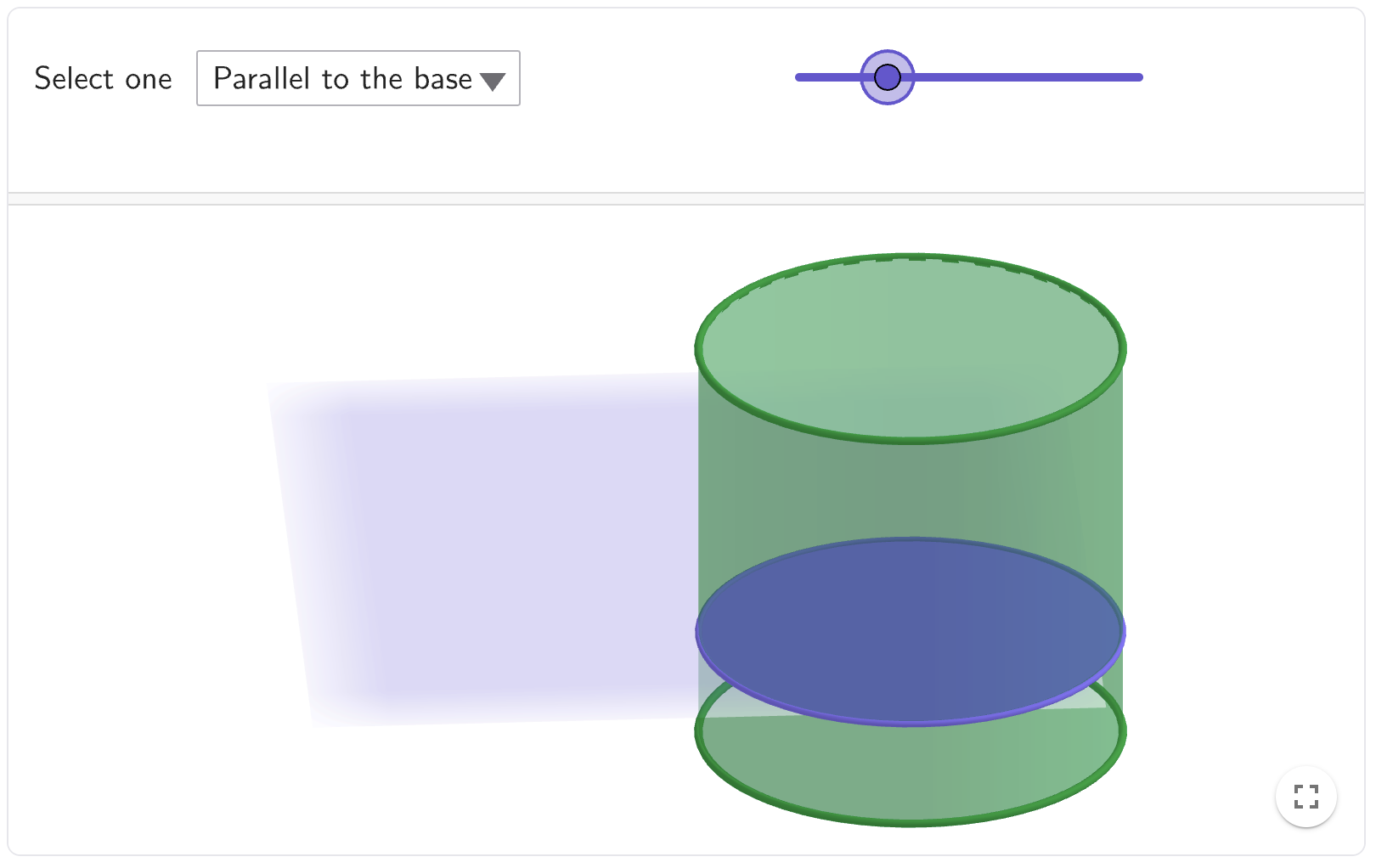
- Interactive Plane Sliders: Move the "Angle of the Plane" slider to tilt the intersecting surface or the "Intersection Point" slider to move the plane through the body of the figure.
- Dual Viewports: Most applets display a 3D view of the solid being sliced alongside a dedicated 2D view showing the exact shape of the cross-section.
- Solid Selection: Pupils can switch between cubes, triangular prisms, pyramids, cones, and spheres to see how the same plane creates different results in each.
- Rotation Controls: The 3D view can be rotated to inspect the intersection from multiple perspectives, helping to bridge the gap between 2D diagrams and 3D reality.
Classroom Uses
Identifying Non-Intuitive Polygons
Challenge GCSE pupils to find "hidden" shapes within a cube. While a horizontal cut yields a square, an angled cut can produce rectangles, trapeziums, or even hexagons.
Strategy: Ask pupils to manipulate the cube's plane to find the specific angle that produces a regular hexagon. This promotes a deeper understanding of the internal symmetry of a cube.
Understanding Consistent Cross-Sections (Prisms)
For KS3 pupils learning about volume, use the prism tools to demonstrate why the cross-sectional area remains constant.
Example: In a triangular prism, move the plane along the length. Pupils can observe that as long as the plane is parallel to the base, the 2D cross-section remains an identical triangle.
Conic Sections and Spheres
Higher-tier pupils can explore how the intersection of a plane and a cone creates circles, ellipses, parabolas, and hyperbolas.
Strategy: Use the "section of cone" tool to slowly transition the plane's angle from horizontal (circle) to vertical (hyperbola), helping pupils visualise these complex shapes as physical slices.
Teaching Strategy
- Predict: Show a 3D pyramid and a horizontal plane. Ask the class to sketch the shape of the cross-section.
- Verify: Use the tool to move the plane through the pyramid, confirming their prediction.
- The Mystery Slice: Turn the plane to a diagonal angle and hide the 2D view. Ask pupils to guess the new shape before revealing it.
- Tabulation: Have pupils record the maximum number of sides possible for a cross-section of different solids (e.g., \(6\) for a cube, \(4\) for a triangular prism).
- Formula Link: Connect the visual of a "stack" of identical cross-sections to the volume formula \(V = \text{Area of cross-section} \times \text{length}\).
Pedagogical Value
Visualising cross-sections is notoriously difficult to teach with static 2D sketches or physical models, which are often "fixed" in one orientation. This tool reduces the cognitive load of mental rotation by providing an instantaneous 2D projection of a 3D intersection. It builds fluency in spatial reasoning, helping pupils identify the 2D geometric properties that exist within 3D structures; a skill essential for advanced GCSE and A-Level geometry.