Operations with Fractions (Geogebra)
geogebra.org/math/fraction-operations
This suite of interactive GeoGebra resources provides a comprehensive visual curriculum for mastering fraction arithmetic. Designed to move pupils from concrete sense-making to abstract fluency, the tools use dynamic area models and number lines to make the "why" behind standard algorithms visible and intuitive.
How the tools work
The resources are categorised into Exploration (conceptual discovery) and Practice (fluency building) modules.
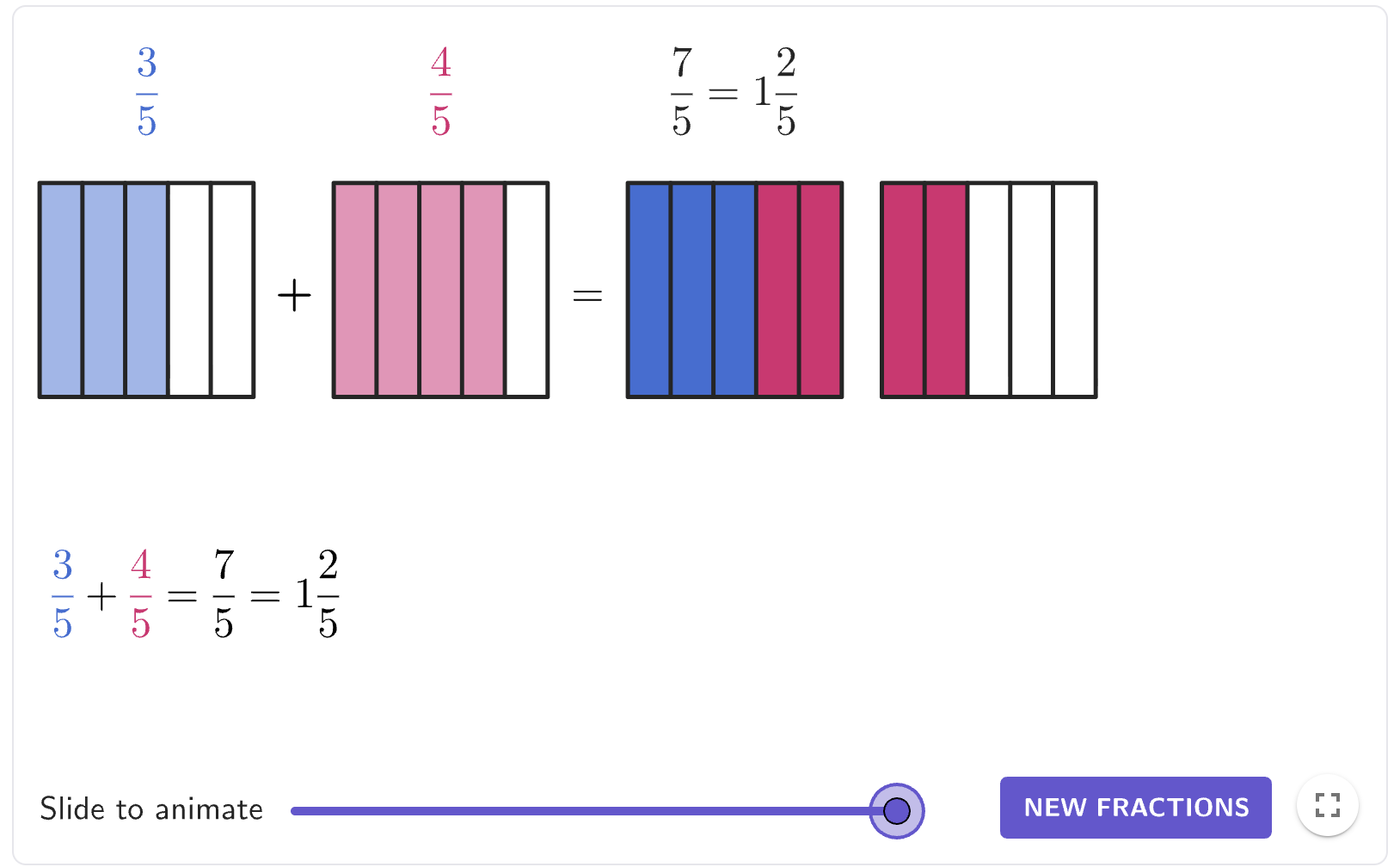
- Interactive Area Models: Rectangular grids represent the "whole," where pupils can adjust horizontal and vertical partitions to visualise fractions and their products.
- Common Denominator Sliders: In addition and subtraction modules, sliders allow pupils to find a shared grid size, effectively "seeing" the process of creating equivalent fractions before calculating.
- Dynamic Overlays: For multiplication, two fractions are overlaid on a single square; the resulting overlapping area provides a direct visual representation of the product.
- Guided Questioning: Each exploration tool includes prompts that require pupils to explain their reasoning in their own words before revealing the numerical answer.
Classroom Uses
Visualising Common Denominators (Addition & Subtraction)
These tools excel at breaking the habit of "adding the denominators." Pupils use sliders to manipulate two different area models until they have identical subdivisions.
Strategy: Present a problem like \(\frac{1}{2} + \frac{1}{3}\). Ask pupils to use the tool to find a "common grid" that fits both. They will observe that a \(2 \times 3\) (6-part) grid is the first size that accommodates both fractions perfectly, making the move to a common denominator of 6 a logical necessity rather than a memorised rule.
The "Area of Overlap" (Multiplication)
The multiplication tools transform the abstract "top \(\times\) top, bottom \(\times\) bottom" rule into a geometric reality.
Example: When multiplying \(\frac{2}{3} \times \frac{4}{5}\), the tool overlays a vertical \(\frac{2}{3}\) on a horizontal \(\frac{4}{5}\). Pupils can physically count the \(8\) overlapping cells out of the \(15\) total cells, providing an immediate visual proof for why the denominators multiply to create the new "parts of a whole".
"How Many Fit?" (Division)
The division tools use partitioning to answer the fundamental question: "How many of fraction \(B\) are contained within fraction \(A\)?".
Strategy: Use the division area model to show \(2 \div \frac{1}{3}\). Pupils see two whole blocks being subdivided into thirds and can count exactly \(6\) pieces, helping them understand why the quotient is larger than the dividend.
Teaching Strategy
- Predict: Present a fraction operation on the board and ask pupils to sketch what they think the visual representation will look like, maybe on a mini-whiteboard.
- Explore: Direct pupils to the specific Exploration tool. Have them manipulate the sliders to match the problem and observe the transformation.
- Verbalise: Pupils must answer the "Putting It All Together" prompts in the applet, explaining the relationship between the visual parts and the numbers.
- Practice: Once the concept is clear, move to the Practice tools where pupils apply the abstract algorithm, using the "Hint" button to bring back the visual model if they get stuck.
Pedagogical Value
The primary value of these GeoGebra tools lies in their ability to make invisible structures visible. While pen and paper often lead pupils to treat fractions as two disconnected integers (numerator and denominator), these visuals force them to treat the fraction as a single ratio of area. This reduces the cognitive load required to understand "invert and multiply" or "common denominators" by providing a concrete anchor, ensuring that when pupils eventually move to efficient abstract methods, they do so with deep conceptual security.